New versions

DPGW 1.6

Significant changes in this version

  • DICOM AE asciification settings – this version of DPGW now allows to store e.g. patient names including diacritics using ASCII Unicode implementation. If your modality can use this feature, it is no longer necessary to “crop” the diacritics for patient demographic data stored in the DPGW PACS archive (e.g. Štěpán Dvořáček vs. Stepan Dvoracek). DPGW also allows reverse compatibility of demographic data asciification.
  • Priority of servers on the timeline – in the case of deployment of the central PACS solution DPGW with connected local PACS archives DPGW, it is possible to newly determine the priority of connected PACS servers and set the primary destination for retrieval and download of medical image documentation. There is no longer a situation where the server, from where to download the data, is not precisely determined if one study exists on multiple servers.

Release information

  • DPGW 1.6.03-REL released on April 25, 2023
  • DPGW 1.6.04-REL released on April 27, 2023
  • DPGW 1.6.06-REL released on May 4, 2023
  • DPGW 1.6.07-REL released on May 23, 2023
  • DPGW 1.6.08-REL released on May 24, 2023
New versions

DPGW 1.5

Significant changes in this version

  • This release was focused on system stabilization and bug fixes, allowing users and administrators to work more smoothly with the DPGW product.

Release information

  • DPGW 1.5.02-REL released on March 24, 2023
  • DPGW 1.5.02-REL released on March 24, 2023
  • DPGW 1.5.04-REL released on March 30, 2023
  • DPGW 1.5.06-REL released on May 3, 2023
  • DPGW 1.5.09-REL released on May 23, 2023
New versions

DPGW 1.4

Significant changes in this version

  • DICOM Storage Commitment – This service allows the modality or local PACS to send a request for information about successful data store to the target DPGW archive, thus ensuring safe storing of medical image documentation before it is removed from the modality/local PACS cache and preventing possible subsequent data loss. This service can only be configured for modalities supporting DICOM Storage Commitment.

Release information

  • DPGW 1.4.04-REL released on February 17, 2023
  • DPGW 1.4.05-REL released on February 20, 2023
  • DPGW 1.4.07-REL released on February 22, 2023
  • DPGW 1.4.09-REL released on February 23, 2023
  • DPGW 1.4.11-REL released on March 1, 2023
New versions

DPGW 1.3

Significant changes in this version

  • Extending the capabilities of the mDEX exchange network
    • Urgent sending has been added using the mDEX statim exchange network option to prioritize sending selected medical image documentation
    • Automated real-time reloading of the mDEX exchange network list with newly added medical facilities

Release information

  • DPGW 1.3.05-REL released on January 11, 2023
  • DPGW 1.3.06-REL released on January 13, 2023
  • DPGW 1.3.07-REL released on January 17, 2023
  • DPGW 1.3.08-REL released on January 18, 2023
  • DPGW 1.3.13-REL released on January 24, 2023
  • DPGW 1.3.15-REL released on January 27, 2023
  • DPGW 1.3.17-REL released on February 9, 2023
  • DPGW 1.3.18-REL released on February 10, 2023
  • DPGW 1.3.19-REL released on February 10, 2023
  • DPGW 1.3.20-REL released on February 20, 2023
New versions

DPGW 1.2

Significant changes in this version

  • List of favourite exchange network destinations – In the dialog window for sending data to exchange networks, it is now possible to create a list of your favourite recipients by simply clicking on the icon of star.

  • Expanding the capabilities of the m-DEX exchange network – The user display of incoming and outgoing data logs has been added. There is a possibility of prioritizing alternative exchange networks for individual recipients.

Release information

  • DPGW 1.2.03-REL released on December 2, 2022.
  • DPGW 1.2.04-REL released on December 6, 2022.
  • DPGW 1.2.05-REL released on December 7, 2022.
  • DPGW 1.2.06-REL released on December 12, 2022.
New versions

DPGW 1.1

Significant changes in this version

  • Qure.AI integration unification – Qure.AI’s qCT, qXR, qER and other AI models now support a unified API for sending data for analysis and downloading analysis results

Release information

  • DPGW 1.1.01-REL released on November 24, 2022.
New versions

DPGW 1.0

Significant changes in this version

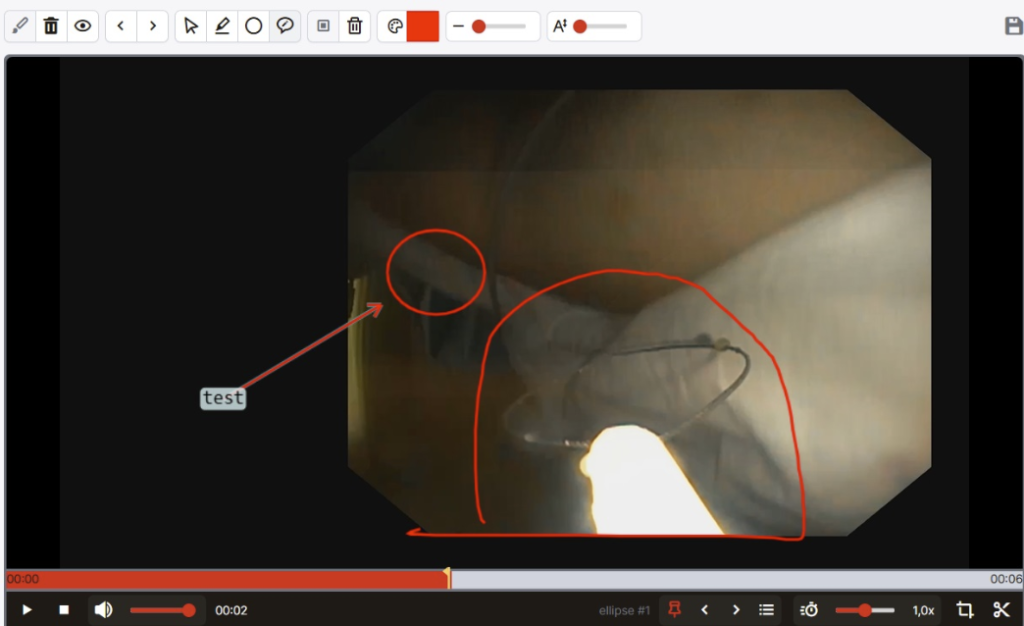
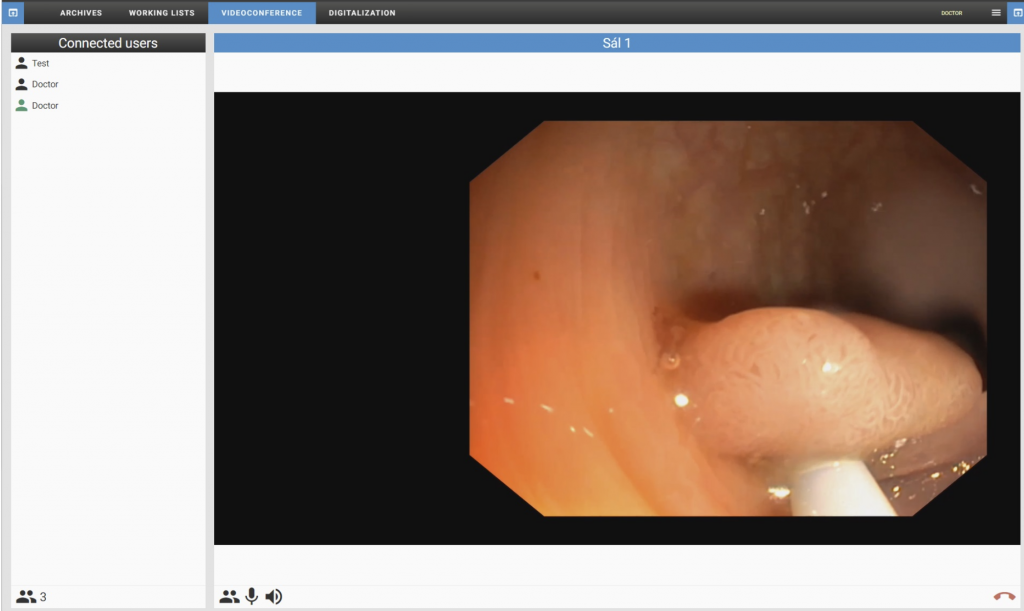
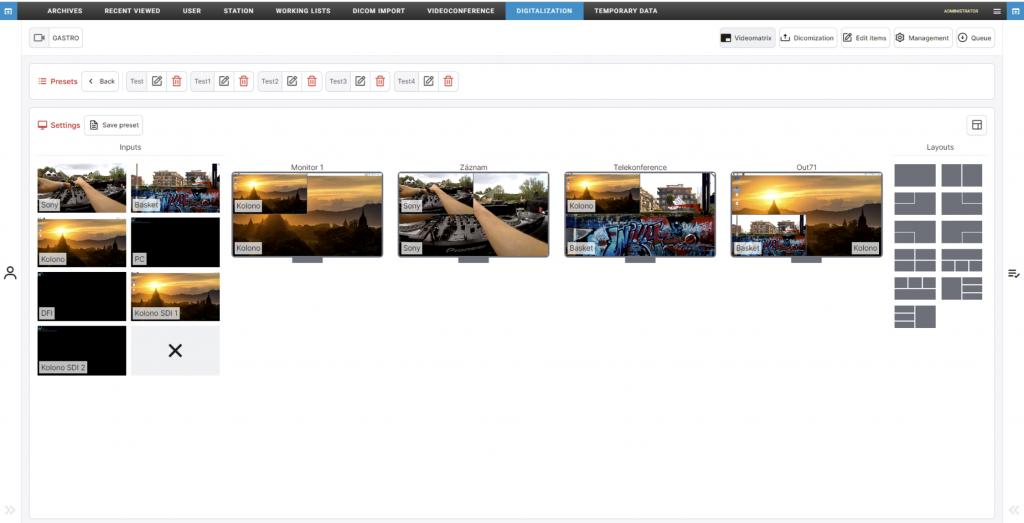
  • New digitization – Digitization now enables the so-called continuous recording mode. In this mode, it is for example possible not only to turn on the recording of the video during the operation, but also to add to the recording what happened 10 minutes ago. Digitization also has a completely new design.
  • Synchronous video playback option – If you have an examination where a recording was made simultaneously from several video sources, it is now possible to start playback of these multiple videos in synchronized mode. Synchronization mode works even if the recording of one of the videos was started at a different time than the recording of the others.
  • Validation of diagnostic monitors – Mandatory validation of the diagnostic monitor can be turned on for selected stations. A reminder of the need for validation is always displayed to the user at the beginning of the day. The user has a choice between performing and postponing the validation. During execution of the validation, a test study is displayed and the user must confirm that its displaying is correct. The validation information is archived in the database and it is also possible to print the validation protocol.
  • Option to filter studies according to the date they were saved in the archive – For smaller medical facilities or users of Dicompass.cloud mailboxes, it is now possible to view, for example, the last 30 studies in the archive according to the date they were saved.
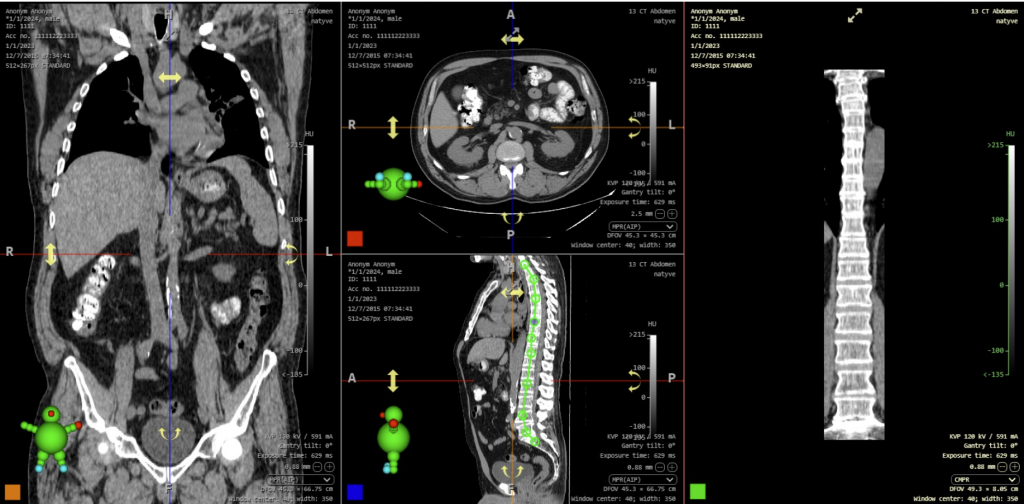
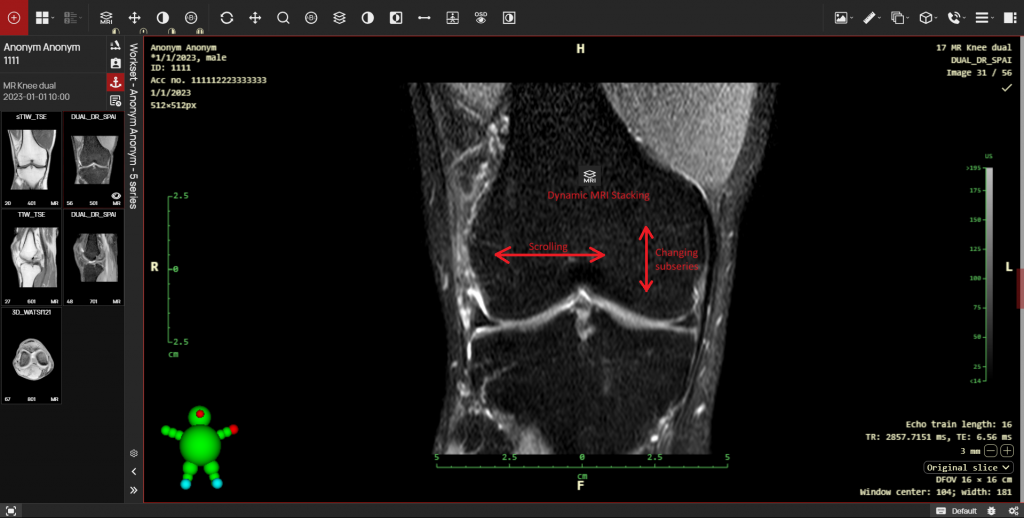
  • A component for fast switching between MPR, MIP and changing slice thickness – A component can now be added directly to the OSD where it is possible to switch from a regular series to MIP with one click and to change the thickness of the reconstructed slice to multiples of the original slice thickness with another click. This component significantly speeds up the work of doctors working with CT or MR.
  • m-DEX exchange network – Data can now be transferred between any two DPGW installations with a very high emphasis on data security. The transmission uses double encryption – TLS + end-to-end (peer-to-peer) encryption. The transmission does not need any open inbound TCP or UDP ports to the organization, only outbound connections. The network also uses load balancing of transmissions, which ensures fast transfer of data to the target organization.

Release information

  • DPGW 1.0.12-REL released on November 9, 2022.
  • DPGW 1.0.13-REL released on November 15, 2022.
  • DPGW 1.0.14-REL released on November 18, 2022.
  • DPGW 1.0.15-REL released on November 18, 2022.
  • DPGW 1.0.16-REL released on November 21, 2022.
New versions

DPGW 0.43

Significant changes in this version

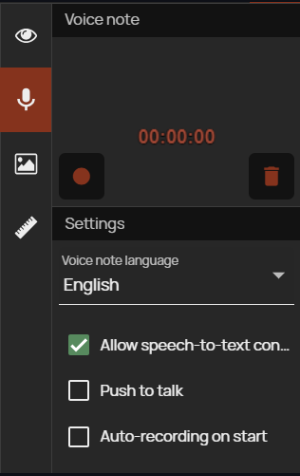
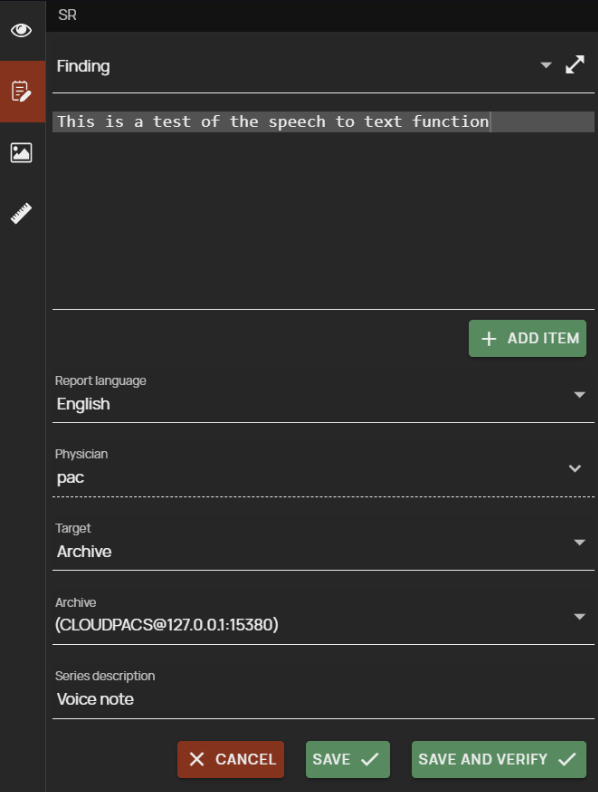
  • Support of recording and playback of voice notes – it is now possible to record voice notes for the currently viewed studies directly in the viewer, which allows for example the diagnostician to record the findings of the study, which is then transcribed into text by a less busy worker or by a voice recognition service, thus speeding up the work. The voice note is saved in DICOM format, so this note can be easily saved in PACS or sent via exchange networks
  • Sending data from Dicompass.cloud to AET in the CloudBox local network – cloud pacs users now have the option to send data directly from the web interface to DICOM AE, which is in their local network without the need for these two networks to be directly connected. For this communication, it is sufficient that the CloudBox, which is in the user’s local network, has an enabled outgoing connection to the cloud server (which must already be enabled due to the storage of images in the cloud PACS).
  • Share link improvements for external workers – there were several improvements to share links that were introduced in the version 0.42. The main changes include the option to send the link directly to the patient by email or the option to configure the maximum validity period of the links by the administrator
  • Support of sequences in OSD labels – the values of any embedded DICOM tags can now be displayed on the OSD labels on the image, with these values not only in a specific order, but also all the values from the given sequence

Release information

  • DPGW 0.43.04-REL released on August 9, 2022
  • DPGW 0.43.05-REL released on August 10, 2022
  • DPGW 0.43.07-REL released on August 16, 2022
  • DPGW 0.43.08-REL released on August 19, 2022
New versions

DPGW 0.42

Significant changes in this version

  • Sharing examinations with external workers – It is now possible to share a specific examination with an external worker by printing the access code (and optionally handing over the PIN code). This function is intended to completely replace burning of patient image documentation on CDs. The hospital has the option to print a one-page document (optionally with the hospital’s own letterhead) directly from the PACS environment. This document contains a sixteen-digit access code. After entering it into the system, the holder of this code gets access to one given examination. The printed paper also contains a QR code enabling the examination to be displayed without the need to copy the code.

Release information

  • DPGW 0.42.03-REL released on June 28, 2022
  • DPGW 0.42.04-REL released on June 30, 2022
  • DPGW 0.42.05-REL released on July 1, 2022
New versions

DPGW 0.41

Significant changes in this version

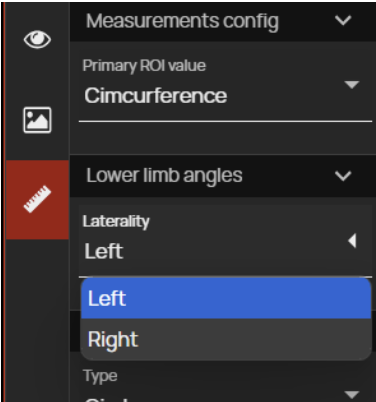
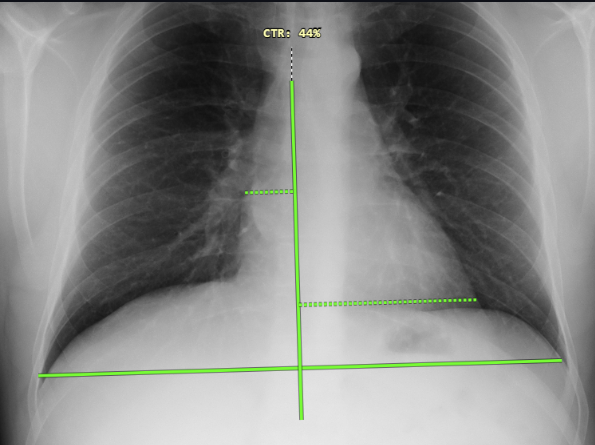
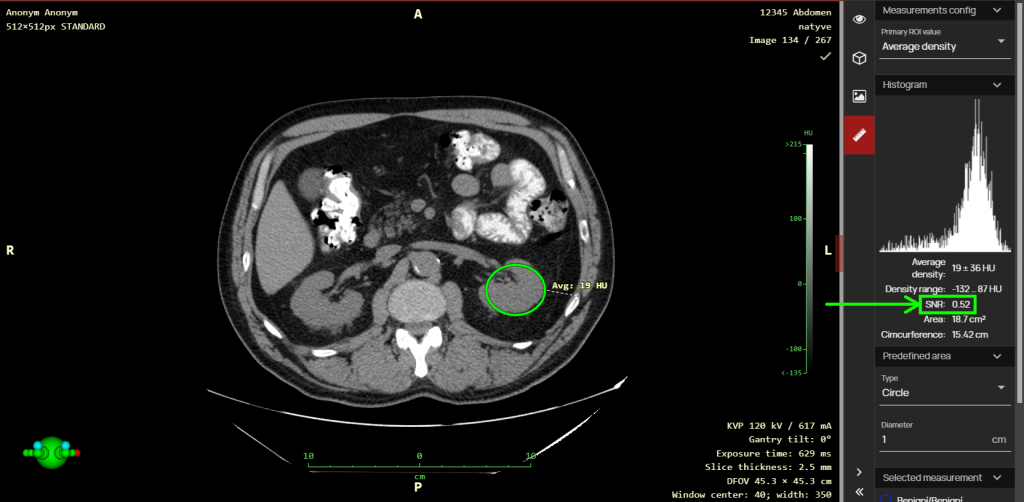
  • New tools and improvements of measurement functions – In this version, a tool for convenient measurement of Norberg angles is now available to use. The vertebra marking tool has also been updated – it can now be switched to marking mode in caudal or cranial direction. The length ratio measurement tool now offers the option to set which ratio value should be displayed (A:B, B:A, shorter:longer, longer: shorter). From this version, measurements are saved in the standardized DICOM Presentation State format. Measurements stored in DPGW can now be loaded and displayed in third-party viewers. Another benefit is that the saved measurement takes up almost no space in the PACS archive, unlike the saved copy of the image. The viewer can now be set so that if a measurement is found in the working set, it is automatically loaded to the original image.
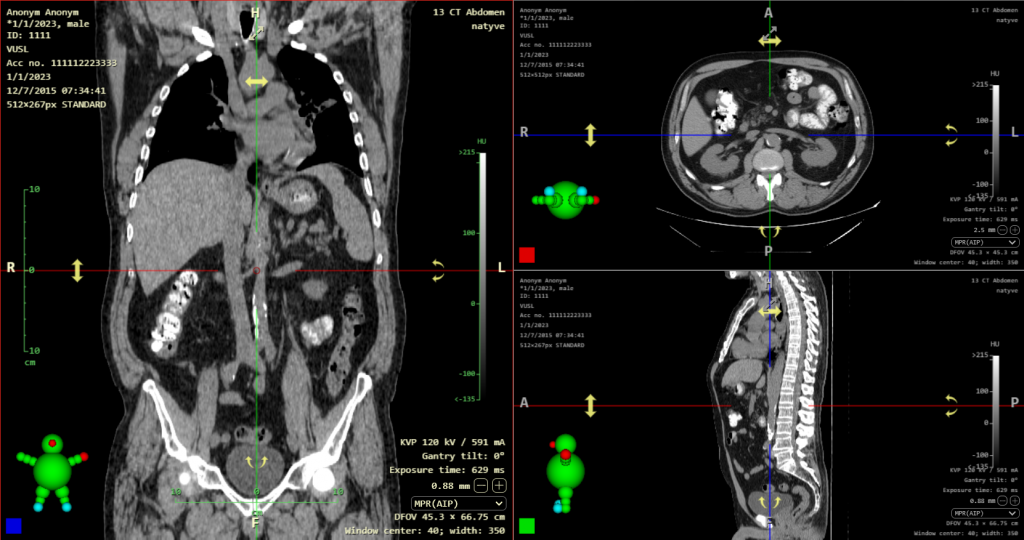
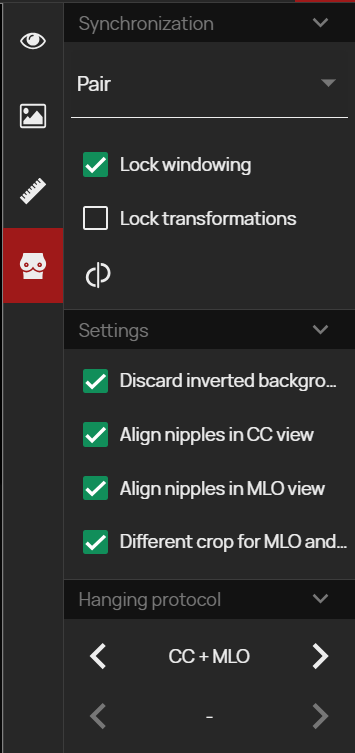
  • Auto/manual synchronization switching improvement – The viewer supports manual and automatic synchronization of displaying multiple series. Automatic synchronization is applicable for series that share the same coordinate system on the patient’s body, while manual synchronization is intended for the cases of different patient data input. With these synchronizations, there is always a choice whether to synchronize only the position of the displayed image or also the brightness window settings or display transformations (enlargement, shift, mirroring…). From this version on, the switches for these synchronization options are unified.
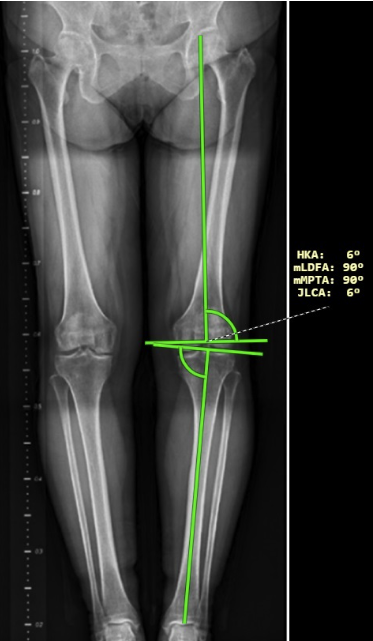
  • Improvements and integration of other AI providers – We are not only continuously adding integrations with other AI providers of image analysis, but also improving existing integrations. As a part of the integration with Milvue, we have achieved a unique function where artificial intelligence facilitates the radiologist’s work by preparing distance and angle measurements in advance (especially on orthopedic images). These measurements can then be edited by the doctor in our viewer. We have successfully completed integrations with Qure.AI, Trask and Carebot.

Release information

  • DPGW 0.41.12-REL released on June 2, 2022
  • DPGW 0.41.13-REL released on June 10, 2022