
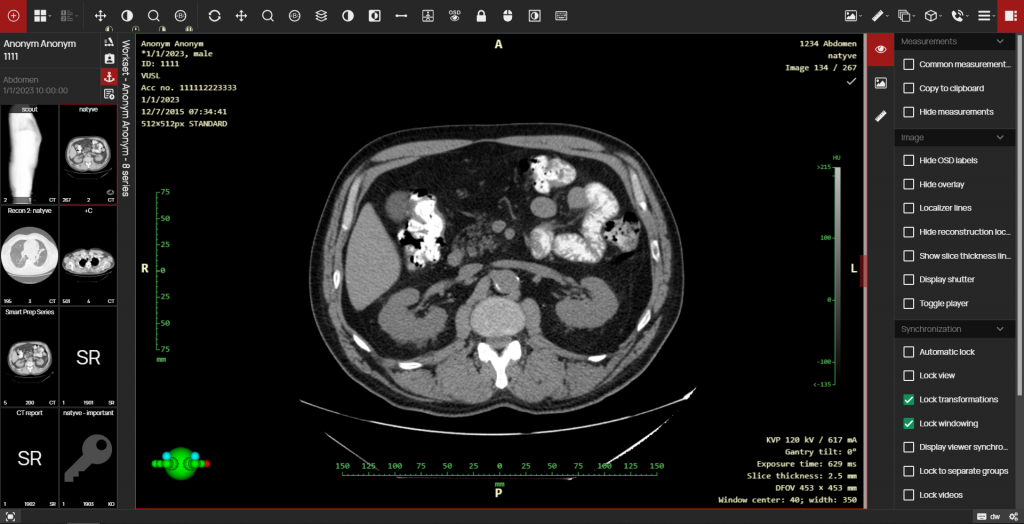
The new version of DPGW 1.7 brings a graphical redesign of the user interface of the DICOM web browser module, which is now even easier to use. In addition to the modified browser interface, this version includes new diagnostic measurement features and additional tools, which are described below.
Significant changes in this version
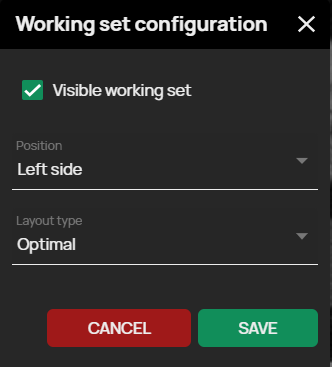
- Improved view of the working set, the ability to wrap panel – This version includes the option of a user-configurable Working Image Set, i.e. a customizable view panel containing thumbnail previews of each series of examination images. This configuration includes pinning the panel to the left or right side of the screen and choosing to display the thumbnails in the panel. You can also minimize and maximize the toolbar as you are used to, but in this version, you can hover over the minimized panel of the Image Work Set to extend it, and the minimized panel will automatically hide when you continue working with the image, giving you more undisturbed space for exam diagnostics.
- User-selectable series splitting – If the examination contains a merged series of images, it is possible to split the series. For example, a series with dual MR scans with different TE times can be split into two subseries with the same times. In this version the splitting of the series is done automatically when the scan is opened in the viewer, but if it is possible to split the series in more than one way these are offered to the user for selection.
- Visual differentiation of the primary data source on the timeline – The timeline tool is used to display individual examinations and their details over time for a specific patient in the DICOM viewer DPGW. The new version of DPGW highlights in the patient timeline the examinations that have been delivered via the exchange hospital network to your healthcare facility (e.g. using mDEX, ePACS, ReDiMed…).
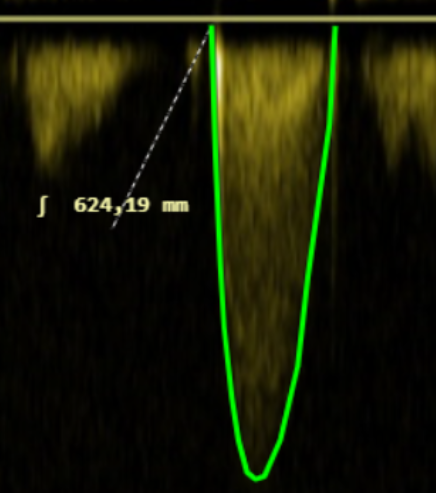
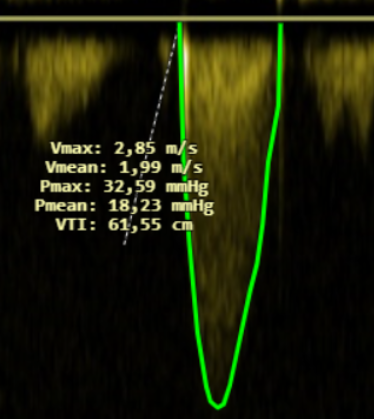
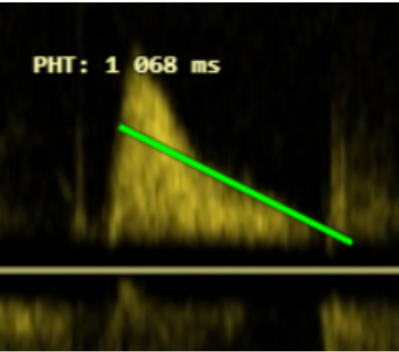
- Doppler US measurement support: Integral, VTI, PHT – In the new version of DPGW, additional diagnostic measurements have been added and it is now possible to perform advanced Integral, VTI, PHT measurements on ultrasound images:
Integral
VTI
PHT
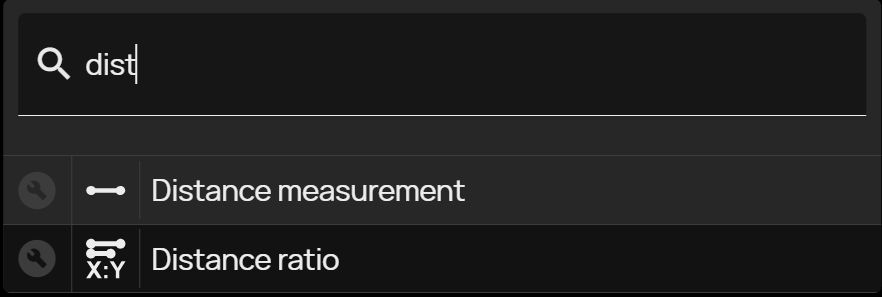
- Tool for quickly finding any action – To accelerate work, the new version of DPGW has added the ability to search for the required tool. After displaying the quick search tool (also possible by keyboard shortcut), just enter the initial letters of the searched tool and then click the selected mouse button to select it.
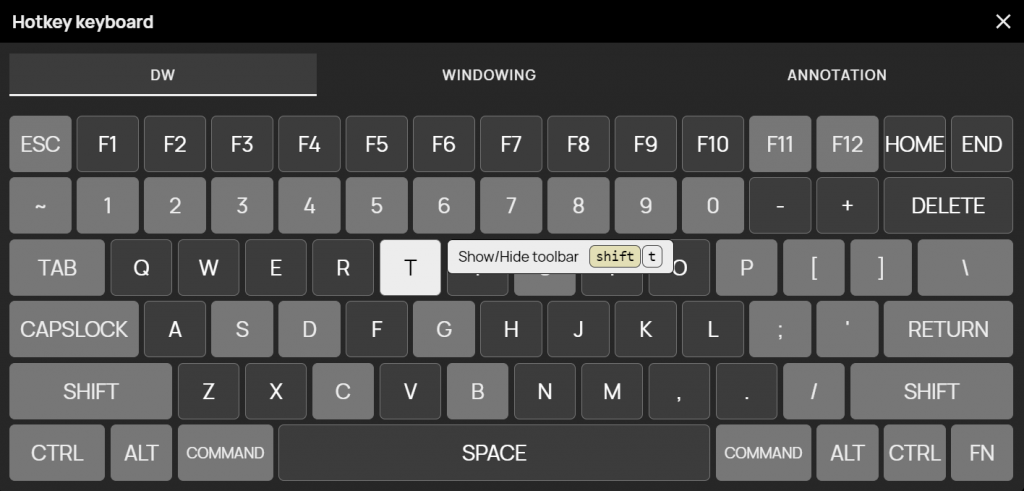
- Visualization of keyboard shortcut mapping, multi-level keyboard mapping – Select this tool to bring up a summary keyboard layout and hover the mouse over a specific key to view its assigned keyboard shortcut. Keyboard shortcuts can now be assigned multi-level, i.e. you can assign multiple keyboard shortcuts to one key. By switching to each level of key shortcuts you can change them according to the selected section.
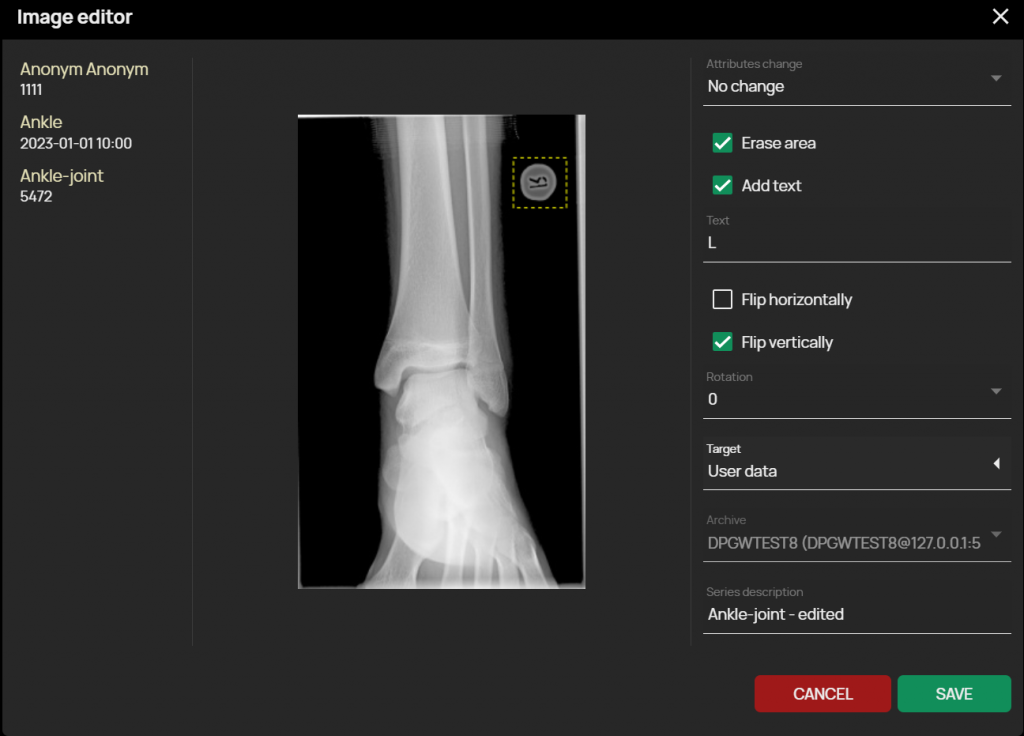
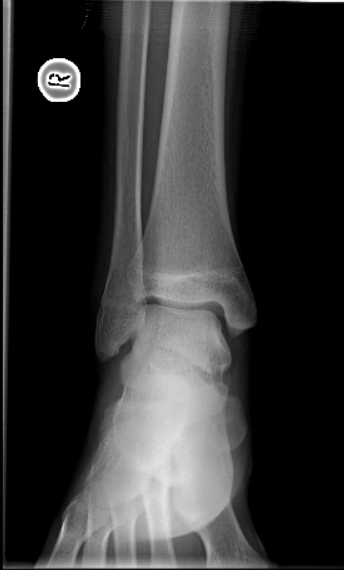
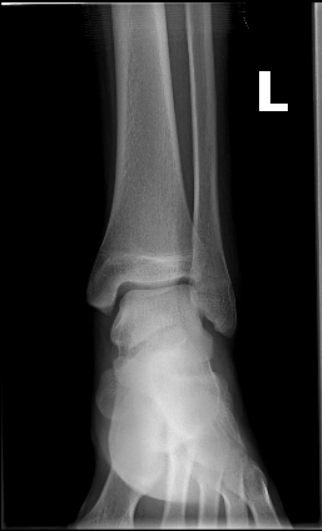
- Corrections to incorrectly captured images – The newly added Image Editor feature allows for post-processing image editing, and it is now possible to remove and replace a mischosen side marker, or rotate/axis flip the image, or change the side marking of mammography images.
Image before editing
Edited image
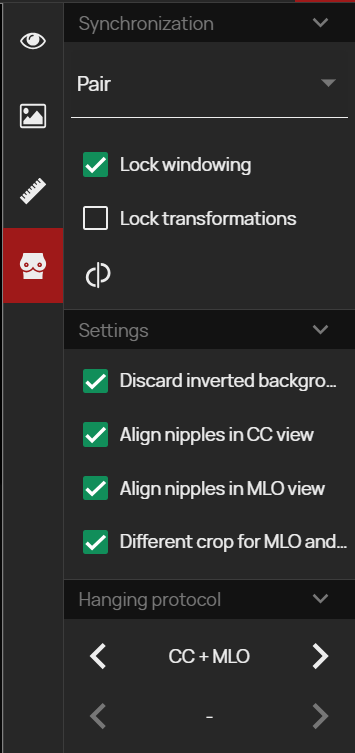
- Mammography toolbar – This panel complements the existing functions for mammography diagnostics and combines them into a clear tab. The functions in the panel focus on synchronizing mammography image editing by post-processing, automatic alignment of individual images and quick selection of preset hanging protocols.
Release information
- DPGW 1.7.16-REL (23. August 2023)
- DPGW 1.7.12-REL ( 4. August 2023)