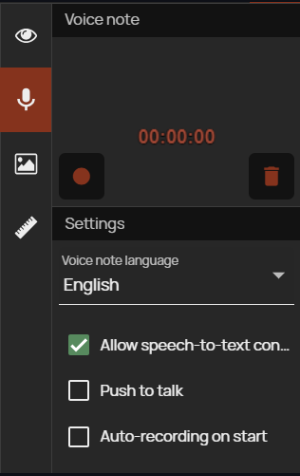
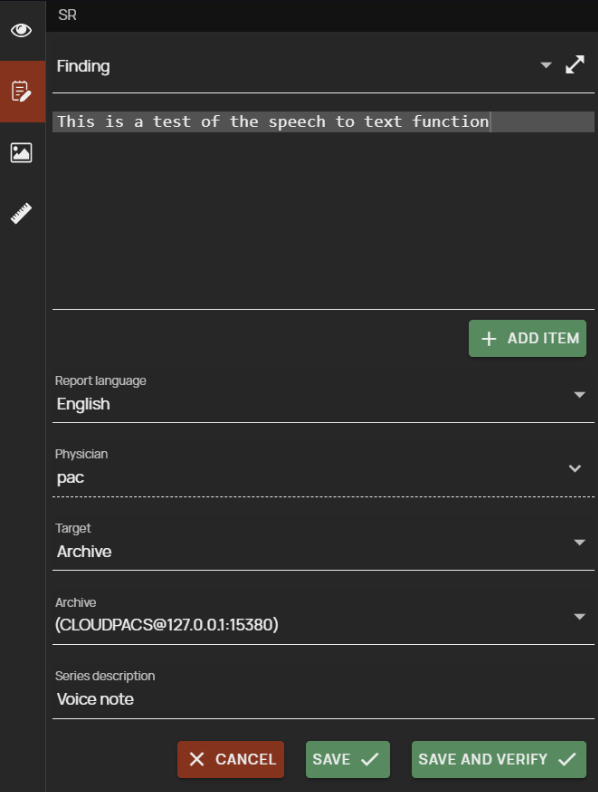
Support for speech-to-text conversion using the “Voice note” function, which is used to record and archive an audio track, e.g. a spoken note for a selected study. By enabling the option to trigger the conversion to text, once the voice note is saved, the text will be generated and inserted into the structured report finding in the “Create SR” function.
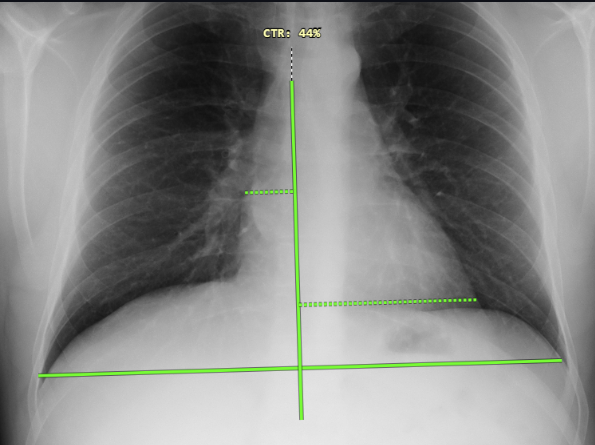
Cardiothoracic index measurement (CTR) this newly added tool is used to measure the ratio of the maximum width of the cardiac shadow to the maximum internal chest width in a percentage ratio calculation.
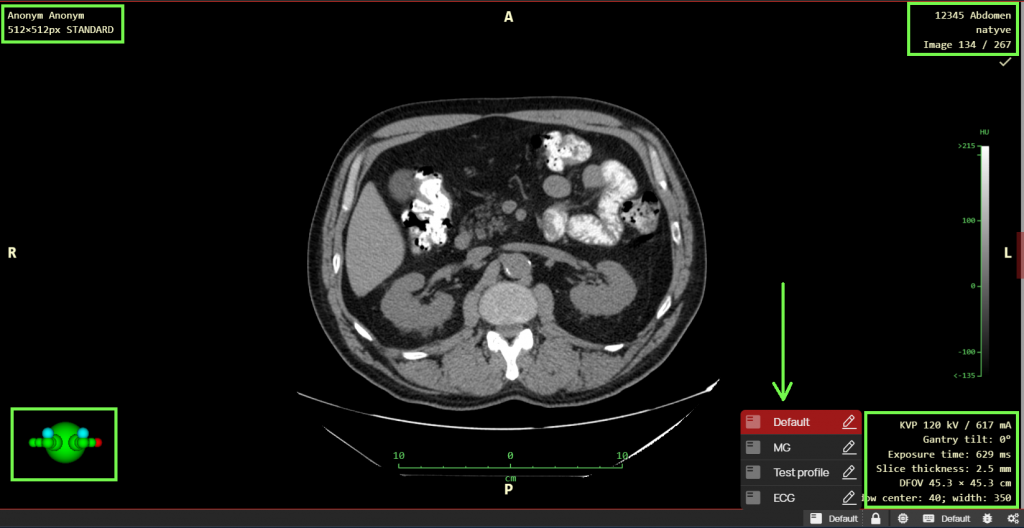
Automatic OSD profile layout is used for automatic switching between different profiles of OSD labels (On Screen Display), i.e. image information, if they are configured and assigned to different modality types (DX, CR, CT, MR…). These profiles can be configured using the “Profile editor” function. When the function is activated, the OSD profile will be automatically selected according to the displayed examination and the modality with which the examination was performed.
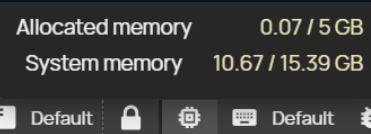
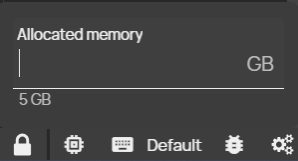
The allocated memory indicator on the status bar is used to display the used memory of the viewer and to adjust its size. Each open study in this DICOM viewer needs a certain amount of RAM memory of the PC station you are working on and this function serves both as an informative purpose for displaying the used memory and the possibility of setting and allocating additional memory for working with image documentation.
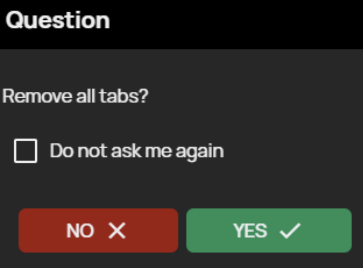
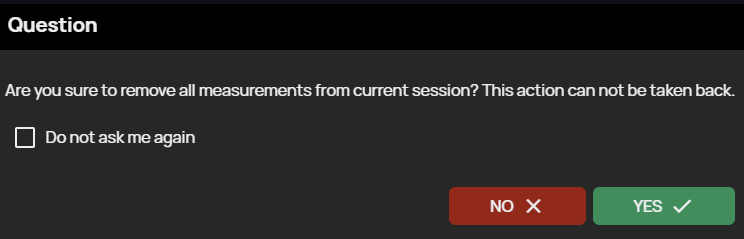
Ability to delete measurements and close bookmarks without confirmation by adding a “Do not ask me again” option to the “Close all bookmarks” and “Delete all objects from current session” confirmation windows. By checking this option, you will not be asked to confirm closing all bookmarks or deleting all measurements next time.
Modify the “Track Study Changes” function to display a notification of a changed number of images in the displayed study and the ability to reload a series of images with an updated number of images. In case you have an incomplete series displayed in the “Image Data Display Window” and additional images will be added to this series, you will be notified by a flashing “Track Study Changes” tool icon, when you click on this tool icon the series will be reloaded with the current number of images. After the series of images have been reloaded, all measurements and image postprocessing will be removed.